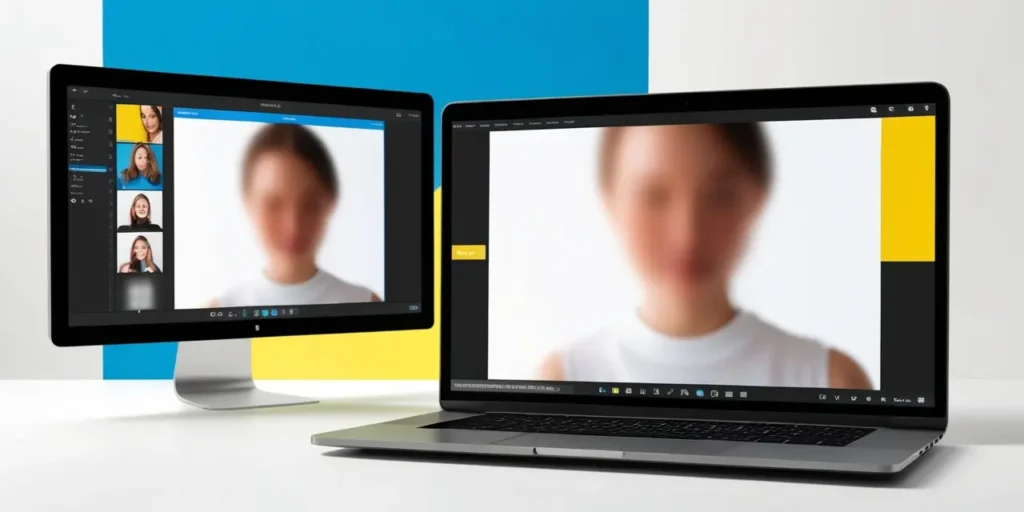
Blurring faces in photos or videos isn’t just for celebrities hiding from paparazzi. It’s something regular people like you and me need too—maybe for privacy on social media, sharing kids’ pictures, or even hiding random strangers caught in your vacation shot.
So, I spent a weekend testing 5 online tools and 3 mobile apps to see which ones actually make the job simple (and don’t leave me with weird, pixelated faces). Here’s what I found.
Why Blur Faces Anyway?
Quick story: A friend of mine posted a family picnic photo, and some random person commented about recognizing her kids. Creepy, right? That’s when I realized privacy online isn’t optional anymore.
Whether it’s a selfie with strangers in the background or a YouTube vlog, blurring faces is the easiest way to stay in control of what you share.
The 5 Online Tools I Tried
Online tools are perfect when you’re using a laptop or don’t want to install anything. Here’s how the top contenders stacked up:
1. Fotor
- Drag and drop your image, hit the blur option, done.
- Quick and clean, but the free version adds a watermark (ugh).
2. BeFunky
- Surprisingly smooth. Plus, you can blur specific areas with a brush.
- Downside? Limited export size unless you pay.
3. LunaPic
- Feels old-school, but it works.
- Not the prettiest interface, though.
4. Facepixelizer
- As the name suggests, it’s made for blurring faces.
- Very minimal—literally nothing fancy here.
5. Pixlr
- A mini Photoshop online. Great if you need a bit more control.
- Might feel heavy for beginners.
The 3 Mobile Apps I Tested
Apps are handy when you’re editing on the go. I picked the ones that don’t drown you in ads.
1. Snapseed (by Google)
- Free, simple, and lets you blur backgrounds or faces with precision.
- No annoying watermarks.
2. Blur Photo Editor
- Fast and made just for blurring.
- Some features are locked behind a paywall.
3. PicsArt
- Tons of editing features, including blur.
- Can feel overwhelming if you just want a quick edit.
Online Tools vs. Apps: Who Wins?
Honestly? It depends on how you edit.
- If you’re on your laptop, online tools like Fotor or BeFunky are faster.
- But if you’re a mobile-first person, Snapseed is unbeatable (and free).
For me, Snapseed + Facepixelizer combo is perfect. Snapseed for mobile, Facepixelizer for laptop—no headaches.
My Quick Recommendation
If you’re tired of watermark drama or complex interfaces, start with Snapseed (mobile) or Facepixelizer (web). They’re clean, fast, and get the job done in seconds.
Privacy is personal, but tools like these make it ridiculously easy to keep things safe.