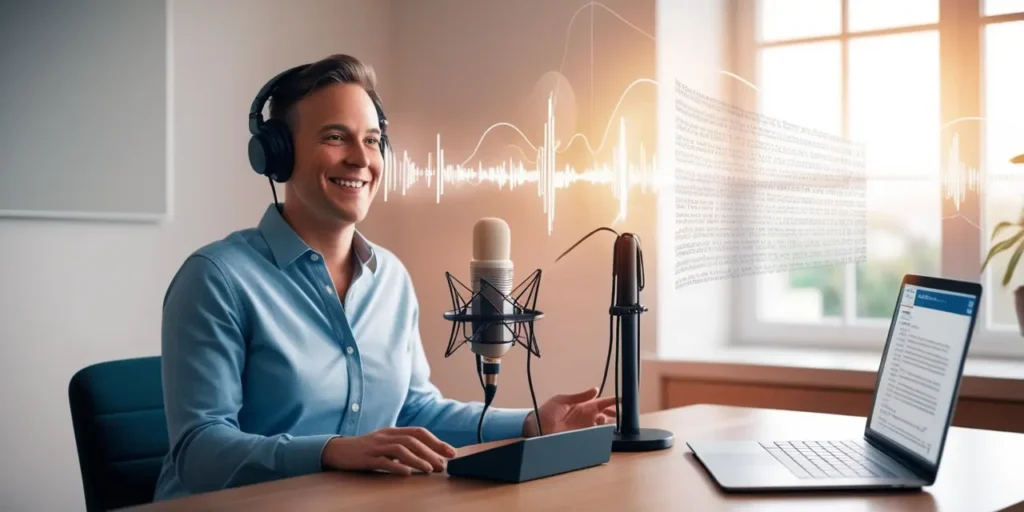
Transcribe a voice recording, Apple Voice Memo, or any audio with ease
I’ve tried heaps of tools—some clunky, some pricey—before landing on a workflow that just works. Whether you’re a student, podcaster, or professional, here’s how to turn any audio into crisp, accurate text without breaking the bank.
Transcribe a Voice Recording
Start by choosing the right tool:
- Google Docs Voice Typing: Free and built into Chrome. Play your recording near your mic, hit the mic icon under Tools ▶ Voice typing, and watch the words appear.
- Otter.ai Free Plan: Upload MP3 or WAV files, then let Otter do its magic—speaker detection, timestamps, and up to 600 minutes per month at no cost.
Tip: For best accuracy, record in a quiet room and use a good microphone.
Voice Recording and Transcription
When you need both recording and transcription in one app, check out:
- Otter.ai Mobile: Records live interviews and transcribes on the fly.
- Rev Voice Recorder: Records audio for free; add human‑powered transcription at $1.50/minute for near‑perfect text.
- Trint: Syncs directly with Zoom or WhatsApp, so you capture meetings and chats seamlessly.
Quick Checklist
- Do you need speaker labels? Otter.ai nails this.
- Want near‑perfect accuracy? Rev’s human transcribers have you covered.
- Need instant results? Trint usually delivers in minutes.
Voice Recording Transcription
Accuracy depends on audio quality and the service you pick:
- Automated tools (Google, Otter) average 85–95% on clear files.
- Human services (Rev, GoTranscript) promise 99%+ but cost extra.
Editing tip: Export to Google Docs or Word and use “find & replace” to fix any recurring errors quickly.
Apple Voice Memo Transcription
Apple’s built‑in Voice Memos app doesn’t transcribe yet—but here’s the workaround:
- Export your memo (tap ••• ▶ Save to Files).
- Upload to Otter.ai, Trint, or Descript.
- Edit the text in their web interface.
FYI: Siri dictation only works live—it can’t pull text from saved memos.
Speech-to-Text Transcription Service
For developers or heavy users, APIs are the way to go:
- Google Cloud Speech‑to‑Text: Real‑time streaming, multi‑speaker support.
- Amazon Transcribe: Pay‑as‑you‑go, integrates with AWS.
- IBM Watson: Excels at medical, legal, and technical jargon.
Pricing snapshot:
- Free tiers: ~60 minutes/month on Google or AWS.
- Automated rates: ~$0.006 per minute.
- Human‑powered: ~$1–$1.50 per minute.
No matter your budget or audio source, there’s a tool that fits. Try a free service to start, then scale up to paid or API options as your needs grow. Ready to save hours of typing? Record, upload, and relax—your transcript’s on the way.