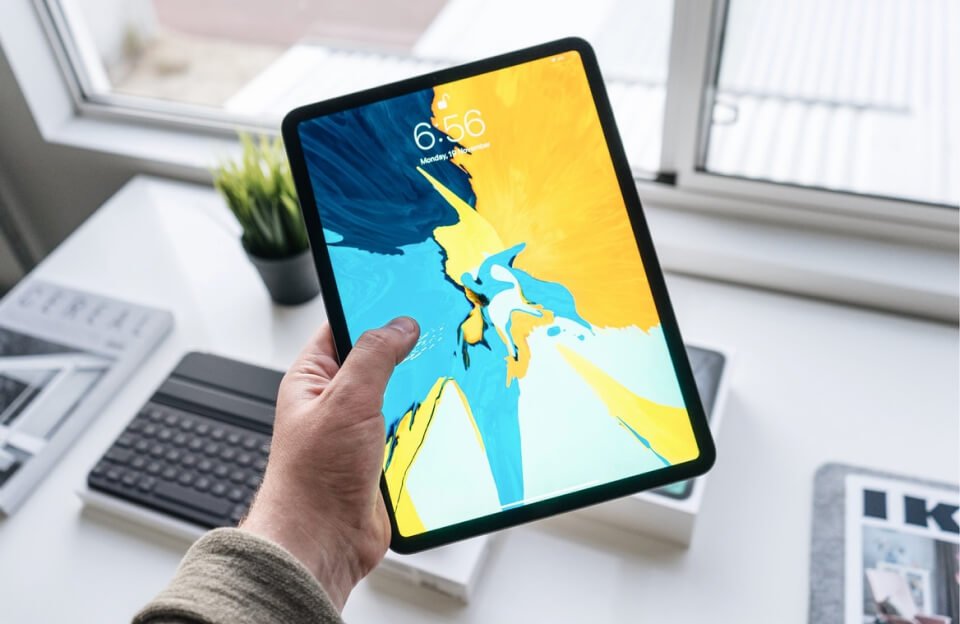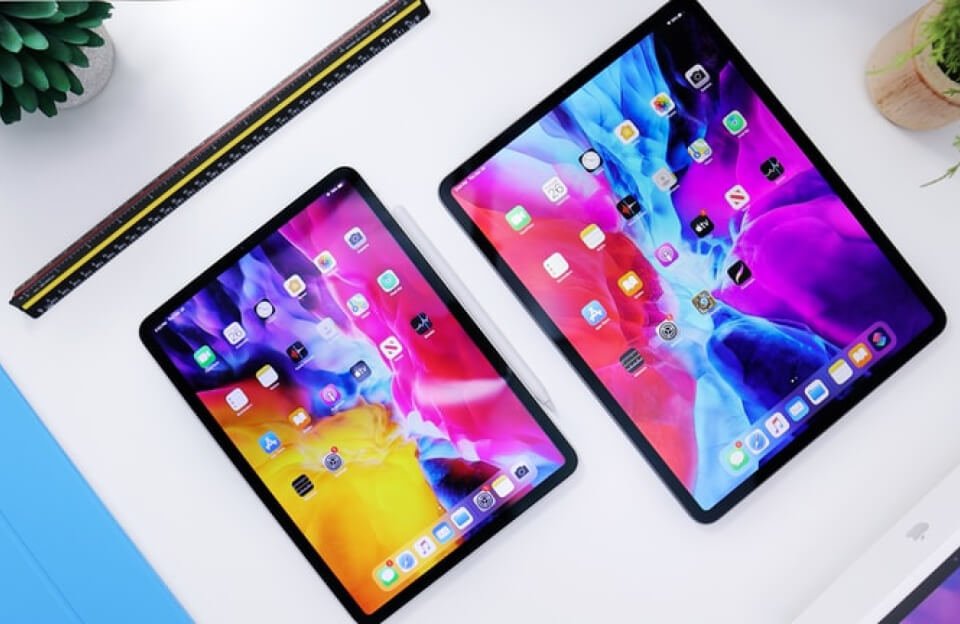
The iPad Pro with M1 chip isn’t just faster—it changes how I work, think, and carry my tech.
You know how sometimes you pick up a new gadget, and it just clicks? That was me with the iPad Pro with the M1 chip. I didn’t expect much at first—just a slimmer tablet with a faster brain. But after a week of using it, I started asking myself a strange question: Do I even need my laptop anymore?
Let’s talk about it.
So, What’s the Big Deal About the M1 Chip?
Apple’s M1 chip first showed up in the MacBook Pro and Mac mini, and people (especially developers and designers) were raving about its speed and power efficiency. But when Apple dropped it into the iPad Pro, things got interesting.
Why? Because now you’ve got MacBook-level performance in a device that’s the thickness of a magazine.
- Apps open instantly.
- Multitasking feels smooth, not sluggish.
- Video editing? No fan noise. No lag.
- Battery? Still going strong after 10+ hours.
And if you’re like me—juggling writing, photo edits, and way too many open tabs—it’s a welcome change from the usual stutter of older iPads.
It’s Not Just About Power. It’s About Freedom.
The first time I opened Lightroom on the iPad Pro and edited a photo with my Apple Pencil, it felt… different. Not like using a mini-laptop. More like using a creative sketchpad that just happened to have a supercomputer inside.
I could lie back on my couch, hold the iPad in one hand, and still get real work done. Or I could toss it in my backpack, barely feel the weight, and work from anywhere—coffee shop, train, even a park bench.
Compare that with my clunky MacBook that starts overheating if I open Zoom and Photoshop at the same time.
Keyboard or Not, It Adapts to You
If you pair the iPad Pro with the Magic Keyboard, it honestly feels like using a laptop—but one that snaps apart anytime you want to ditch the keyboard and go full tablet mode. That flexibility? Hard to go back from.
Here’s how I’ve been using mine:
- Emails & Docs? Magic Keyboard on.
- Drawing or Markup? Pencil out, keyboard off.
- Streaming Netflix or watching tutorials? Just the screen, nothing else.
But Is It a Laptop Replacement?
That’s the million-rupee question, right? Here’s my honest take:
For most of what I do—writing, research, video calls, light design—the iPad Pro with M1 covers it all. I still need my Mac for heavier stuff (like bulk video encoding or running virtual machines), but the gap is shrinking. Fast.
And with updates like Stage Manager and external monitor support, the iPad’s becoming more of a serious work machine than ever.
Why This iPad Actually Stands Out
We’ve had “Pro” iPads for years. What makes this one different is that it feels like a Pro device—not just in branding, but in actual power.
You know that satisfying feeling when something just works—no lag, no friction, just smooth performance? That’s the M1 iPad Pro.
And while it’s not perfect (file management still bugs me sometimes), it’s the first time I’ve felt like Apple gave the iPad room to grow into something bigger.
Final Thoughts: Who’s It For?
- If you’re creative (artist, editor, writer): You’ll love the combo of touch, Pencil, and power.
- If you’re a student or remote worker: It’s light, reliable, and a joy to use.
- If you’re a tech lover who values freedom: It just might replace your laptop.
It’s not just another tablet. It’s a bold move toward a different kind of computer—one that fits around your life, not the other way around.