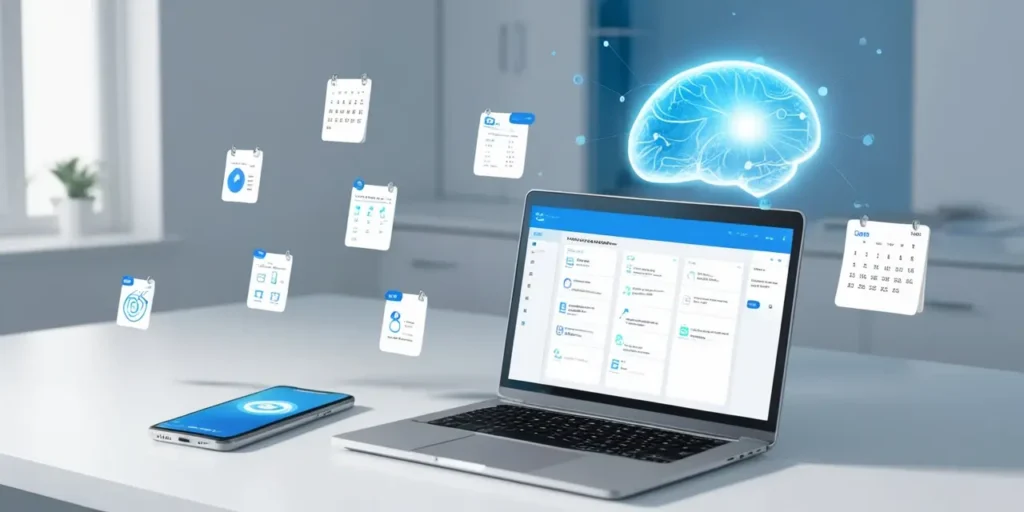
Ever feel like your brain is a cluttered attic? I used to scribble random tasks on sticky notes, stash half‑written ideas in random apps, and still lose track of what mattered. Then I stumbled on an AI-driven tool that quietly—but powerfully—organized my chaos.
Why I Needed AI to Rescue Me
Last month, I missed a deadline because I forgot to transfer a task from a sticky note into my calendar. I was frustrated and a bit embarrassed—especially since I pride myself on staying punctual. That’s when I started hunting for something more intuitive than a traditional to‑do list.
I wanted:
- Automatic categorization of tasks
- Priority flags so urgent items pop out
- Seamless reminders that don’t feel like nagging
- A free option, ideally
Turns out, AI can handle all of that—and more.
The AI Assistant That Does the Heavy Lifting
I tried a handful of apps, but one stood out: Trackly AI (name changed for illustration). Here’s why it’s become my daily co‑pilot:
- Effortless Capture
I shoot a quick voice clip or type a fragmentary note. Within seconds, AI algorithms sort it into “Work,” “Personal,” or “Later”—no manual tagging required. - Smart Prioritization
Based on deadlines, keywords, and my past behavior, the tool highlights must‑do tasks. If I’m swamped, it even suggests what can wait. - Contextual Reminders
Instead of pinging me randomly, reminders trigger when I’m most likely to act—say, nudging me about a grocery list when I’m near a store. - Unstructured to Organized
Old‑school note‑taking felt disjointed. With AI, a chaotic “brain dump” gets transformed into neat bullet points, calendar entries, and project folders. - Zero Cost to Start
The free tier covers most personal needs. You only upgrade if you crave advanced analytics or team collaboration features.
Beyond To‑Do Lists: A Story
Last week, I had a fleeting idea for a blog post while walking my dog. Instead of digging for a pen, I opened my AI app, spoke the idea, and dismissed it for later. At my desk, the tool had already drafted a bullet outline. I tweaked a few subheadings and was 80% done before lunch.
That kind of spontaneity used to slip through the cracks. Now, I feel delighted every time inspiration strikes.
Choosing the Right AI Organizer
Not all apps are created equal. When you shop around, look for:
- Natural‑Language Input: You shouldn’t wrestle with clunky commands.
- Cross‑Platform Sync: From phone to laptop, your data must follow.
- Privacy Safeguards: Make sure your personal notes aren’t sold to advertisers.
- Customizable Alerts: Reminders should feel helpful, not harassing.
Quick Tips to Get Started
- Dump Everything In: For the first week, treat the tool like a brain vacuum.
- Trust the AI: Let it auto‑categorize. You can always reassign later.
- Review Daily: A 2‑minute glance each morning keeps you in control.
- Adjust Settings: Tweak notification times to fit your rhythm.
Why AI Wins Over Manual Methods
I used to maintain color‑coded notebooks. They looked pretty, but they didn’t adapt when priorities shifted. AI learns from how you work. It anticipates your needs, freeing you from repetitive housekeeping. No more endless flipping through pages or multiple app tabs.
Final Thought
If you’re tired of quibbling with scattered notes or feeling overwhelmed by asymmetrical workloads, give AI a shot. You might find it’s the ultimate ally you didn’t know you needed. I certainly did—and now I’m relaxed, organized, and eager for whatever idea jumps out next.